Introduction
In modern mobile applications, it’s very common to rely on third-party SDKs for critical functionalities such as authentication, payments, analytics, and more.
However, this introduces a major limitation:
Many third-party libraries internally make API calls but do not expose hooks to modify or customize those requests.
This becomes a problem when there is a requirement to:
- Add custom headers (e.g., security telemetry, tokens, tracing IDs)
- Ensure consistent request behavior across all APIs
- Maintain compliance with backend validation mechanisms
The Problem
Applications often integrate SDKs that:
- Internally make API calls
- Do not allow modification of request headers
Challenges
- Cannot attach required headers
- Inconsistent telemetry
- Backend validation failures
- No control over third-party network behavior
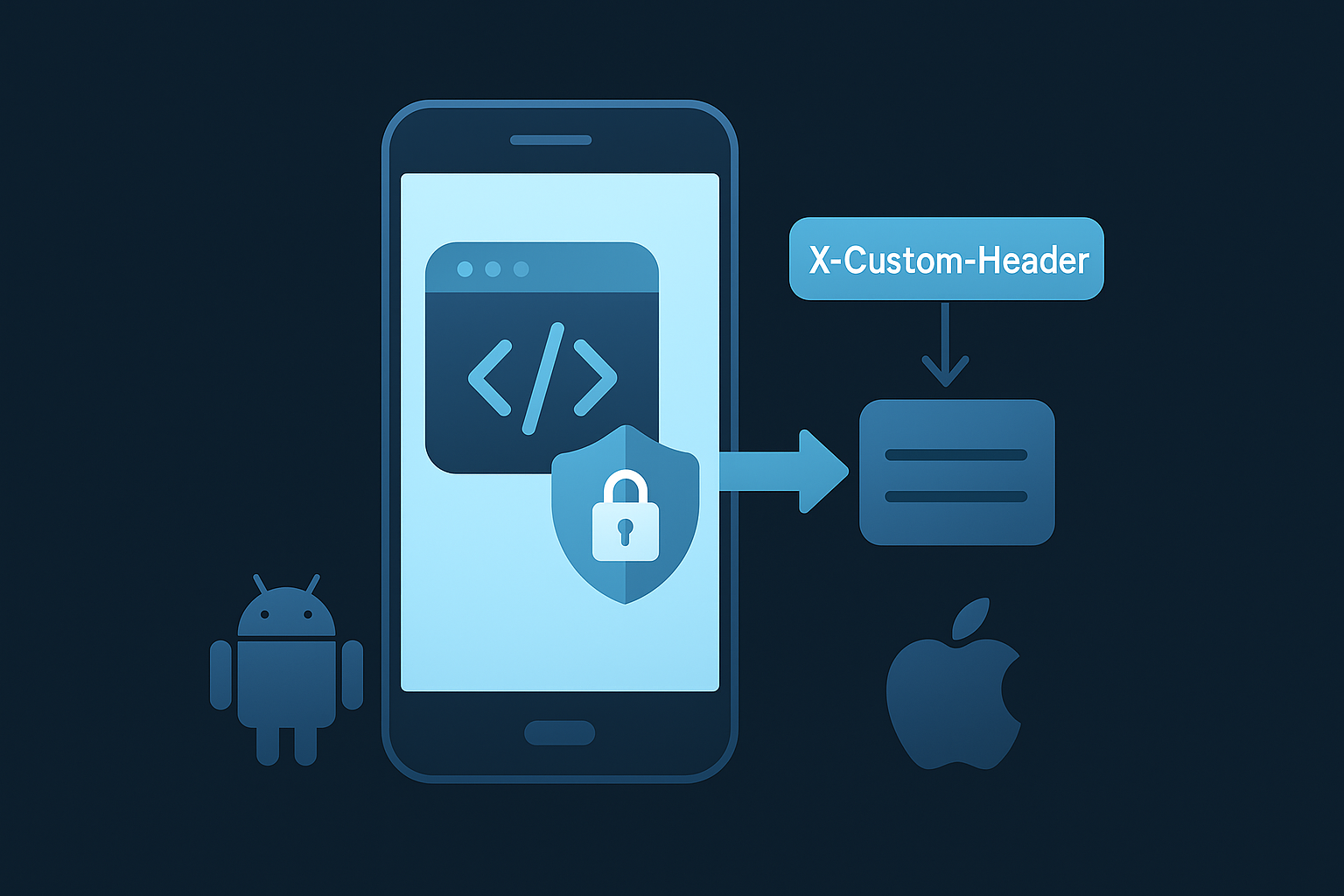
The Solution: Auto Header Injection SDK
To solve this, I have developed a cross-platform SDK that:
Automatically injects a custom header into selected API requests, even when triggered by third-party libraries.
How It Works
The SDK operates using three core inputs:
- Header Name → Key to inject (e.g.,
header-name-data) - Header Provider → Function to generate dynamic value for the custom header
- Protected APIs → List of URLs to target
Runtime Behavior
- If request URL matches → header is injected
- Otherwise → request remains unchanged
Android Implementation
On Android, the SDK supports automatic header injection without requiring manual OkHttp interceptor integration, using a bytecode instrumentation plugin.
Step 1: Add Dependency
dependencies {
    implementation("io.github.fareethjohn:BAPAutoHeader:1.0.2")
}
Step 2: Initialize SDK
AutoHeaderConfig.setHeaderName("X-sensor-data")

AutoHeaderConfig.setHeaderProvider {
    getSensorDataFromHostApp()
}

AutoHeaderConfig.setProtectedAPIs(readProtectedApisFromAsset())
Automatic Integration (No Interceptor Required)
Using the Automatic Bytecode Instrumentation Plugin:
- No need to manually add interceptors
- Works across all
OkHttpClientinstances - Injects headers automatically during request execution
At runtime:
- Matching API requests → header injected
- Non-matching requests → unchanged
iOS Implementation
On iOS, the SDK enables automatic header injection without modifying existing URLSession logic.
Download SDK
- iOS SDK (XCFramework):
https://github.com/fareethjohn/AutoHeader_Lib/tree/main/BAPAutoHeader.xcframework
Step 1: Add XCFramework
Add in Xcode under:
- Frameworks, Libraries, and Embedded Content → Embed & Sign
Step 2: Initialize SDK
AutoHeader.start(
    headerName: "X-sensor-data",
    protectedAPIs: [
        "https://api.example.com/v1/"
    ]
) {
    SensorProvider.currentSensorPayload()
}
Automatic Injection (No Request Changes Required)
- No need to modify
URLSessioncalls - Works transparently across the app
- Header value is evaluated per request
At runtime:
- Matching API requests → header injected
- Non-matching requests → unchanged
React Native Integration
The React Native plugin wraps the native SDKs and enables header injection across all fetch calls.
Download Plugin
- React Native Plugin (ZIP):
https://github.com/fareethjohn/AutoHeader_Lib/blob/main/react-native-bap-auto-header-v1.0.0.zip
Step 1: Add Plugin (ZIP Package)
mkdir -p plugins
unzip react-native-bap-auto-header-v1.0.0.zip -d plugins
npm install ./plugins/react-native-bap-auto-header
Step 2: Initialize with Async Sensor Provider
const getDataAsync = (): Promise<string> => {
  return new Promise((resolve) => {
    CKB.getData((data: string) => {
      resolve(data ?? '')
    })
  })
}
import BAPAutoHeader from 'react-native-bap-auto-header'

await BAPAutoHeader.start({
  headerName: 'X-sensor-data',
  protectedAPIs: [
    'https://api.example.com/v1/',
  ],
  headerValueProvider: async () => {
    const sensorData = await getDataAsync()
    return sensorData
  },
})
Behavior
- Hooks into all
fetchrequests - Calls async provider before each request
- Ensures fresh sensor data per request
- Applies only to matching APIs
Key Takeaways
- Third-party SDK limitations are common
- Network-layer interception is the most reliable solution
- A unified SDK ensures:
- Consistency
- Scalability
- Maintainability
Final Thoughts
Instead of modifying every API call or depending on third-party flexibility, this approach:
- Works at the network layer
- Requires minimal integration
- Scales across platforms
Written By

I’m an Enterprise Architect at Akamai Technologies with over 15 years of experience in mobile app development across iOS, Android, Flutter, and cross-platform frameworks. I’ve built and launched 45+ apps on the App Store and Play Store, working with technologies like AR/VR, OTT, and IoT.
My core strengths include solution architecture, backend integration, cloud computing, CDN, CI/CD, and mobile security, including Frida-based pentesting and vulnerability analysis.
In the AI/ML space, I’ve worked on recommendation systems, NLP, LLM fine-tuning, and RAG-based applications. I’m currently focused on Agentic AI frameworks like LangGraph, LangChain, MCP and multi-agent LLMs to automate tasks